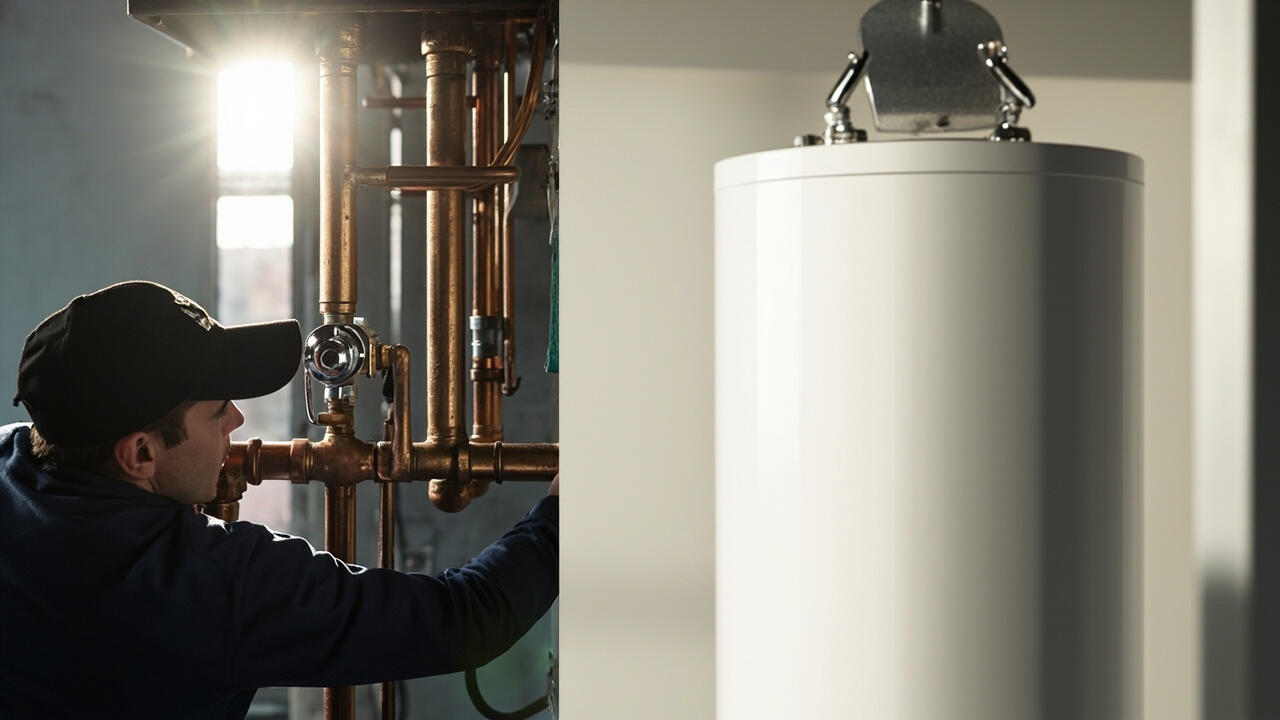

Your old thermostat is a plastic rectangle with a mercury switch and a dial you set twice a year. The new one on your phone promises to learn your week. Then you open the box and find a wall plate, a bundle of blue and yellow wires, and a note about calling an electrician.
That pause is the whole decision. Most smart thermostats are a genuinely small job, but only after you answer one question: does your system have a wire for what this thermostat wants to do?
Check Your Wiring Before You Choose Anything
Every smart thermostat needs 24V power from the furnace or air handler. If your current thermostat is wired, you have it. If the wires come out of a pipe or a knob marked pilot, you have an older gas system that needs a different approach entirely.
Then there is the C wire, which is the one that decides your experience. A C wire carries power continuously, which lets the thermostat display the current temperature, connect to Wi-Fi reliably, and hold its schedule when the power flickers. Many homes already have one. Many do not, and the wire is often nearby behind the wall.
The features that make a smart thermostat smart need that steady power.
- Wi-Fi connectivity and remote access from a phone.
- Schedule and geofencing, which need the clock to survive a power blip.
- Humidity display and multi-stage heat control.
- Energy usage reports that assume the unit knows the temperature right now.
Write down the wire colors and labels before you unplug anything. You will want that list in thirty seconds when the old thermostat is already off the wall.
How the Installation Actually Goes
The physical work is short. The part that decides whether you enjoy the result happens in the two minutes before you start.
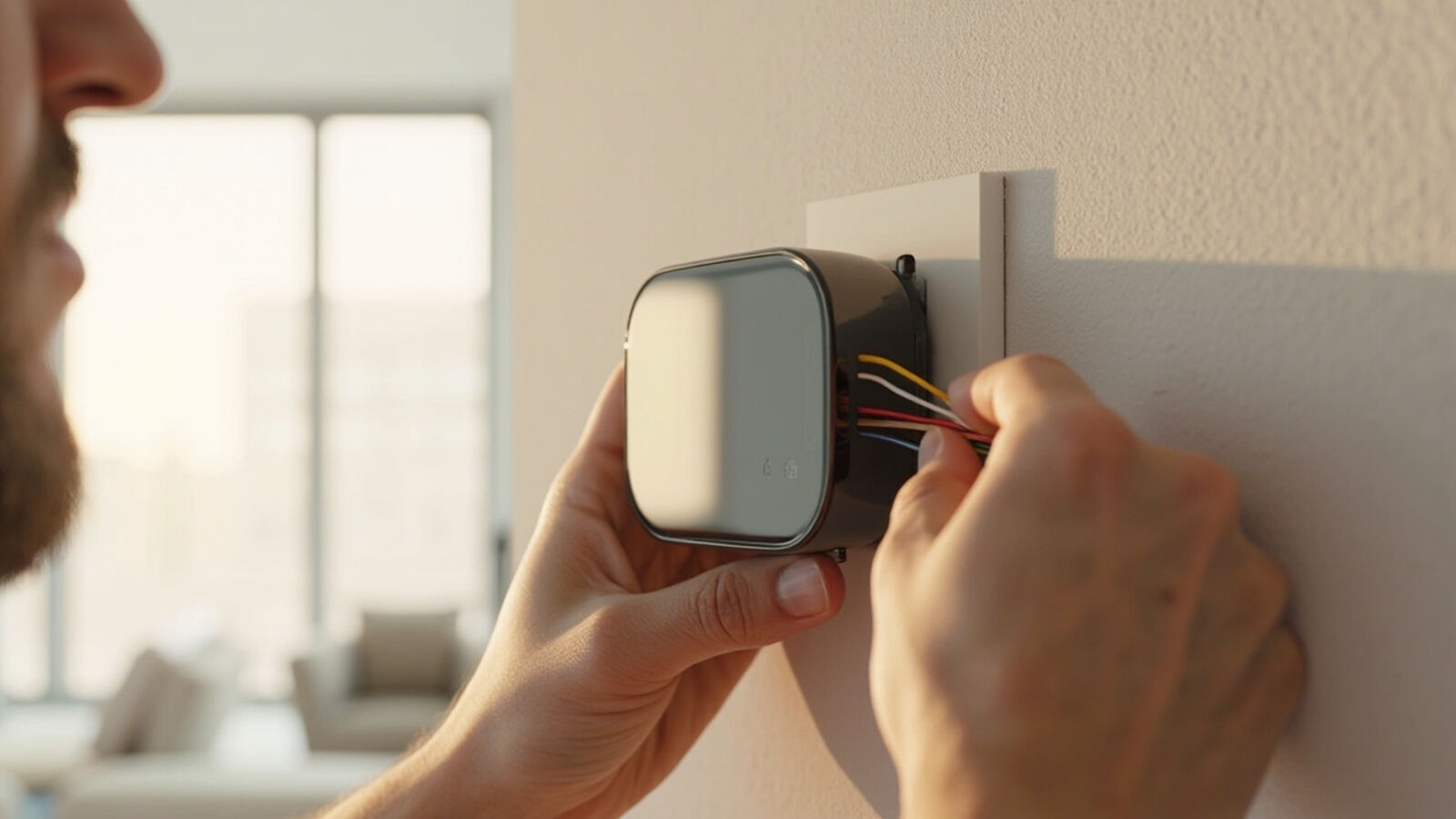
- Photograph the existing wiring and label each wire before removing anything.
- Turn the old thermostat to off and remove it from the wall plate.
- Match each labeled wire to the matching terminal on the new base, following the manufacturer’s diagram rather than guessing by color.
- Set the jumper switches on the new base to match your system type, gas or heat pump. This is the single most common cause of a first-day failure.
- Mount the base, which usually needs a level and one drywall anchor.
- Power up and walk through setup while the system is reachable, then name it something more useful than the street address.
Set the mode switch correctly on gas systems. A thermostat configured for a heat pump calls for cooling where a gas furnace provides it, and the system will not heat properly until it is changed.
Where the work stops being a homeowner job
Low-voltage thermostat wiring is safe residential work, and there is no reason to pay a technician for it. Anything else is a different category.
24V AC wiring belongs to the low-voltage side of the system. If you find yourself at a 240V junction or running a new circuit for the equipment, stop and call an electrician. Smart thermostats draw power from the system and never require a new line.
One more thing is worth settling before the box comes apart. If your system has ever been replaced or upgraded, the wire colors may not match your old diagram at all. A quick check against the equipment label in the basement takes five minutes and removes the most common source of a coin flip.

What It Costs and What You Give Up
A thermostat is one of the cheapest pieces of equipment in the house. DIY installation is $0 in labor plus the unit, which runs roughly $120 to $300 for a mainstream model. Hiring an HVAC technician typically adds $150 to $350 on top.
The honest trade-off is that you are getting scheduling convenience in exchange for giving up one thing: the ability to change the setting without a working phone or a working internet connection. That matters more in a house with a zoned system, where a schedule error affects several rooms at once.
Two features are worth checking before you buy, because they are the ones owners miss.
- Learning behavior means the unit builds a schedule from your patterns. It works well when your week is consistent and badly when it is not.
- Geofencing uses your phone location to lower the temperature when you leave. Useful in winter, a needless expense in a mild climate.
Sizing is worth a sentence here too. A thermostat does not change how much air the system moves. If the equipment is undersized or oversized relative to the ductwork, a smarter control makes a marginal system feel better without fixing the underlying capacity problem. Duct sizing and airflow is where that gets explained.
What a good installer actually charges for
When you do hire someone, the cost splits into two parts, and it is worth asking which one you are paying for. A straightforward swap on an existing system is short work and sits at the low end of the range.
The bill climbs when the technician is opening a wall to fish a C wire back to the equipment, and climbs further when the wall is finished surface rather than exposed drywall.
Some technicians will add the thermostat to a maintenance visit at no extra charge if one is due anyway. That is the cheapest way to get the work done, because the diagnostic time is already being paid for.
Five Mistakes That Ruin the First Week
Nearly every bad smart thermostat installation traces to one of these.
- Guessing wire connections by color alone. Colors are conventional, not guaranteed, especially in homes built or rewired by different trades.
- Skipping the jumper setting. This is what causes heating calls in summer and cooling calls in winter on day one.
- Forgetting the C wire. Without it you may get power, but the connection drops whenever the compressor kicks in.
- Mounting on an exterior wall. Air from the living space reads through the wall itself and skews the temperature by several degrees.
- Installing before the system is serviced. A thermostat will not fix a dirty coil, and you will blame the thermostat for it.
That last one is why the sequence matters. If the air is not moving well, work on duct cleaning and airflow first, then let the thermostat prove something. Doing both at once means neither gets a fair test.
When a Smart Thermostat Is the Wrong Purchase
Some homes should skip this entirely. If your system has no central ductwork, such as a ductless mini-split or a wall-mounted unit, you need a model designed for that equipment rather than a standard smart thermostat.
It also makes little sense when you already control the system from a wall panel and have no interest in phone access. A working mechanical thermostat does the same job, and it will outlast the electronics.
If the system is not performing well, a new control cannot rescue it. When cooling runs constantly without reaching temperature, that is an HVAC refrigerant leak or an airflow fault worth checking before you spend on the visible hardware. Getting the system serviced on a schedule keeps the thermostat a control rather than a troubleshooting tool.
Spend the afternoon, photograph your wires, and the rest is a weekend job.